 Checkers: Highlighted Moves
Loading game…
The game could not load.
The game may be temporarily unavailable. Try again, or choose another game.
Checkers: Highlighted Moves
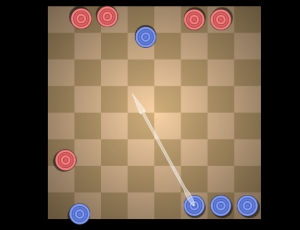
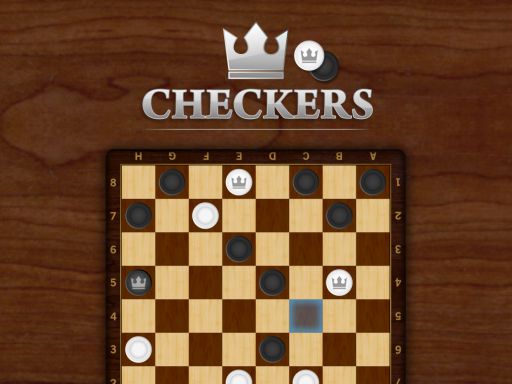
Select a piece in Checkers: Highlighted Moves and compare the squares that light up. The highlighted options help you read where you can go in the draughts game.
How to play
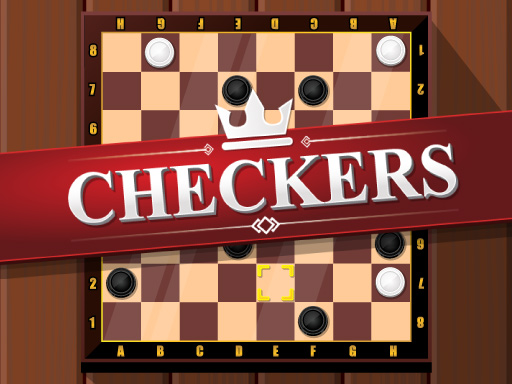
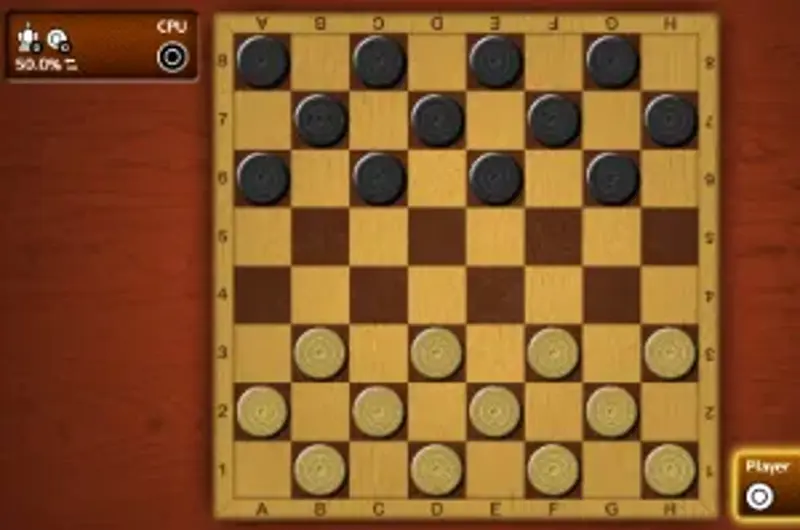
- Choose Single Player. Find the white checker at d3 using the letters along the bottom and the numbers on the left.
- Select it to show the legal squares in blue. If c4 is open, click it. Your checker moves there and the computer takes the next turn.
- Check the blue highlights before following up. Look for jumps as opposing checkers approach the middle of the board.
More games like this
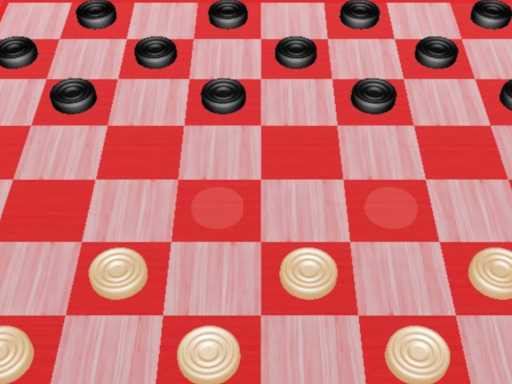
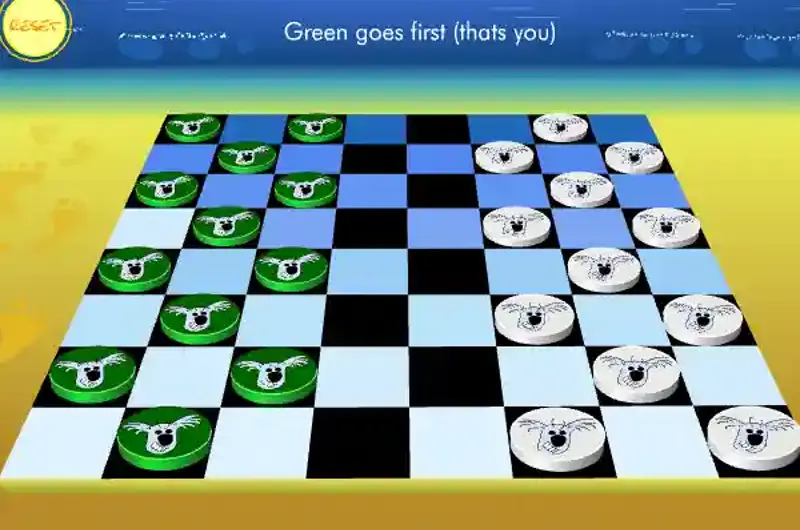
In Reinarte Checkers, ghost copies of each piece mark its legal destinations, a useful comparison if you move between board views.
What will you play next?