 Epic Winter Apple White
Loading game…
The game could not load.
The game may be temporarily unavailable. Try again, or choose another game.
Epic Winter Apple White
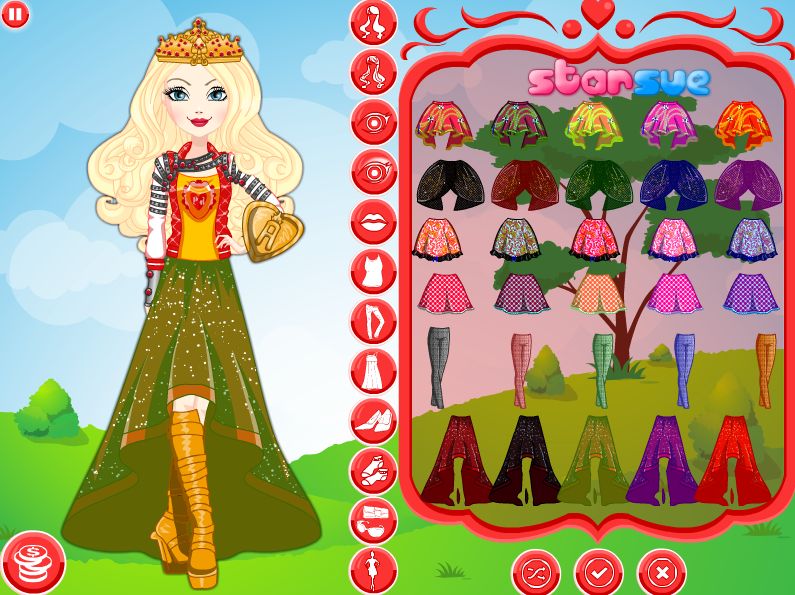
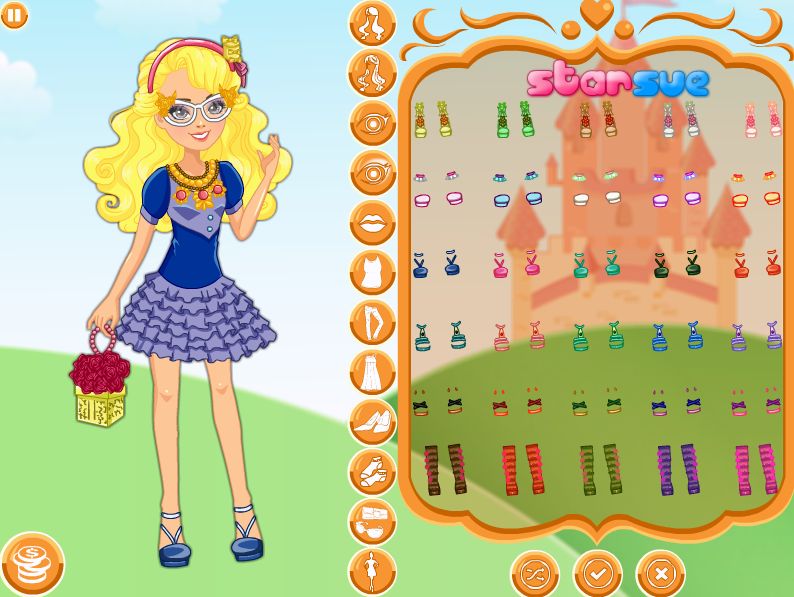
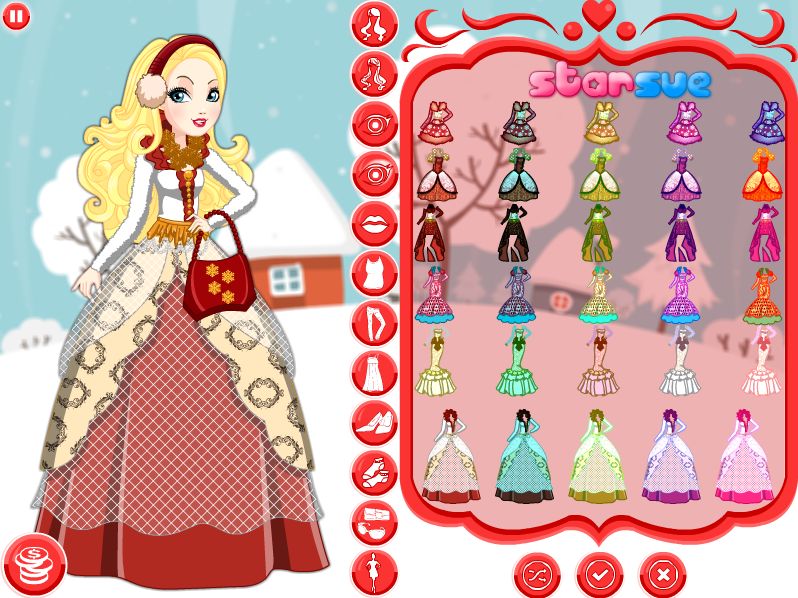
Build Apple White's snow-day wardrobe around warm red clothes and winter accessories. The Epic Winter scene lets you see the whole look against the snow.
How to play
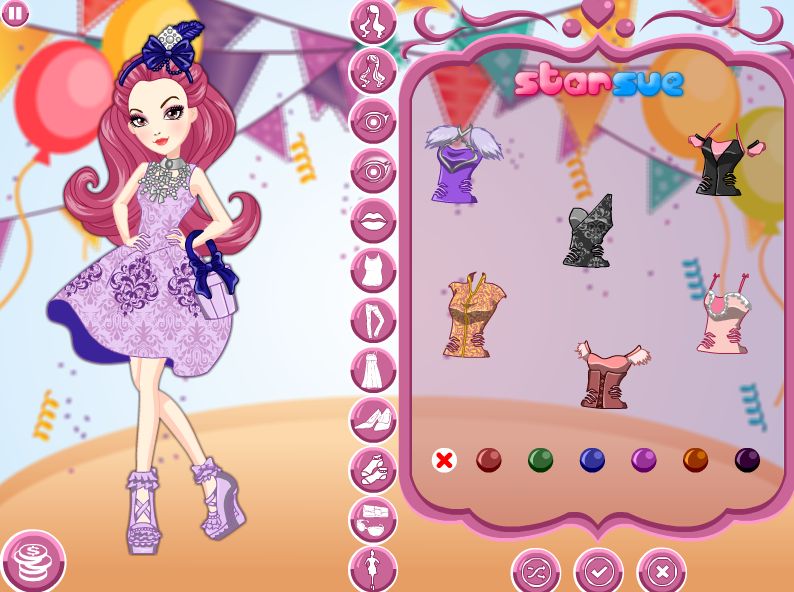
- Open Apple White’s wardrobe and look at the three round buttons under the clothes panel.
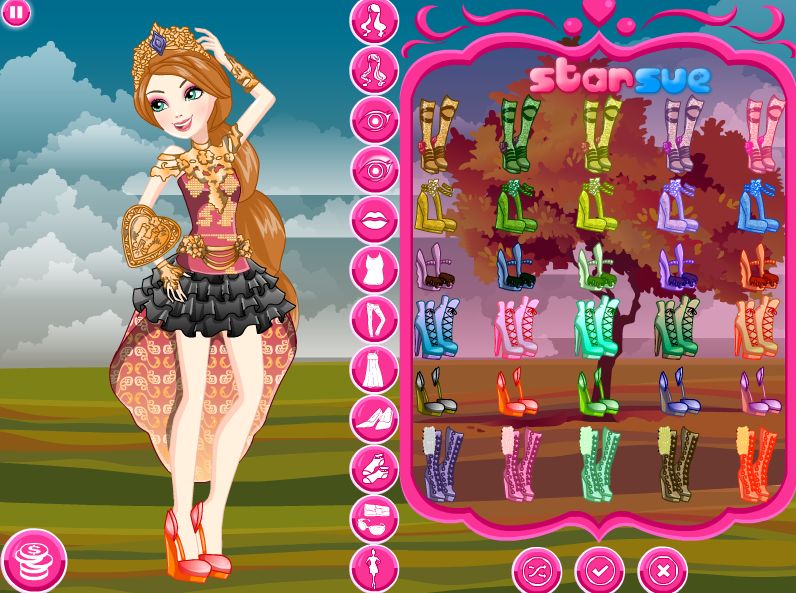
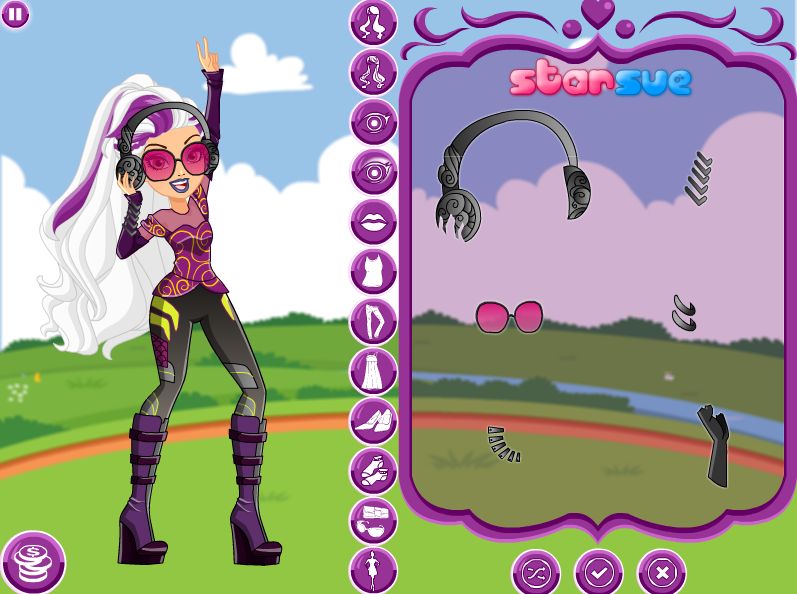
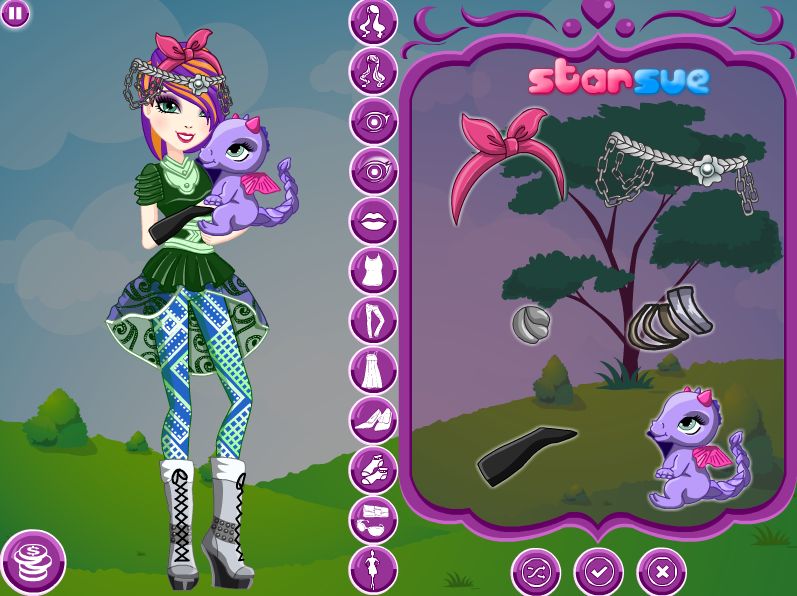
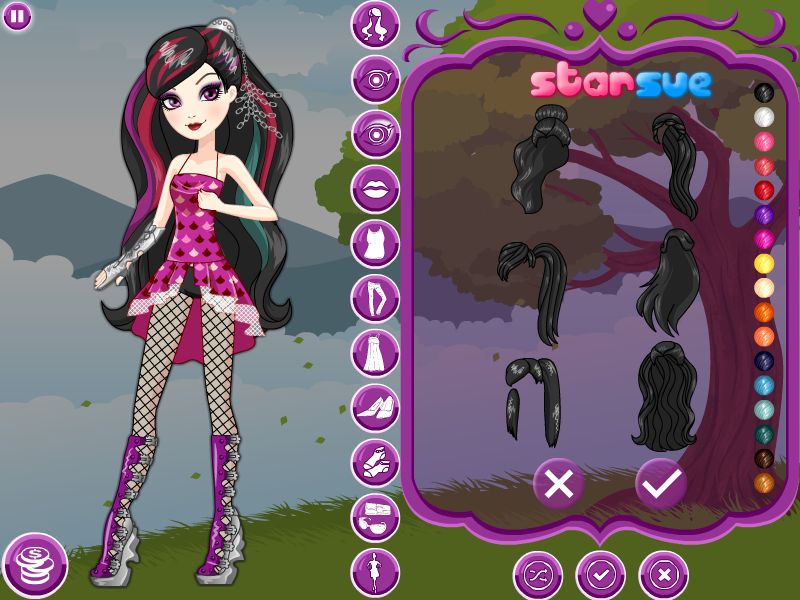
- Click the left button to mix up the outfit. You can see the clothes and hair change together on Apple White.
- When you find a combination you like, use the middle button with the check mark to close the wardrobe and see the look in the snow.
On a touch screen, tap the outfit button below the wardrobe and then tap the check mark to see the full look.
What will you play next?